

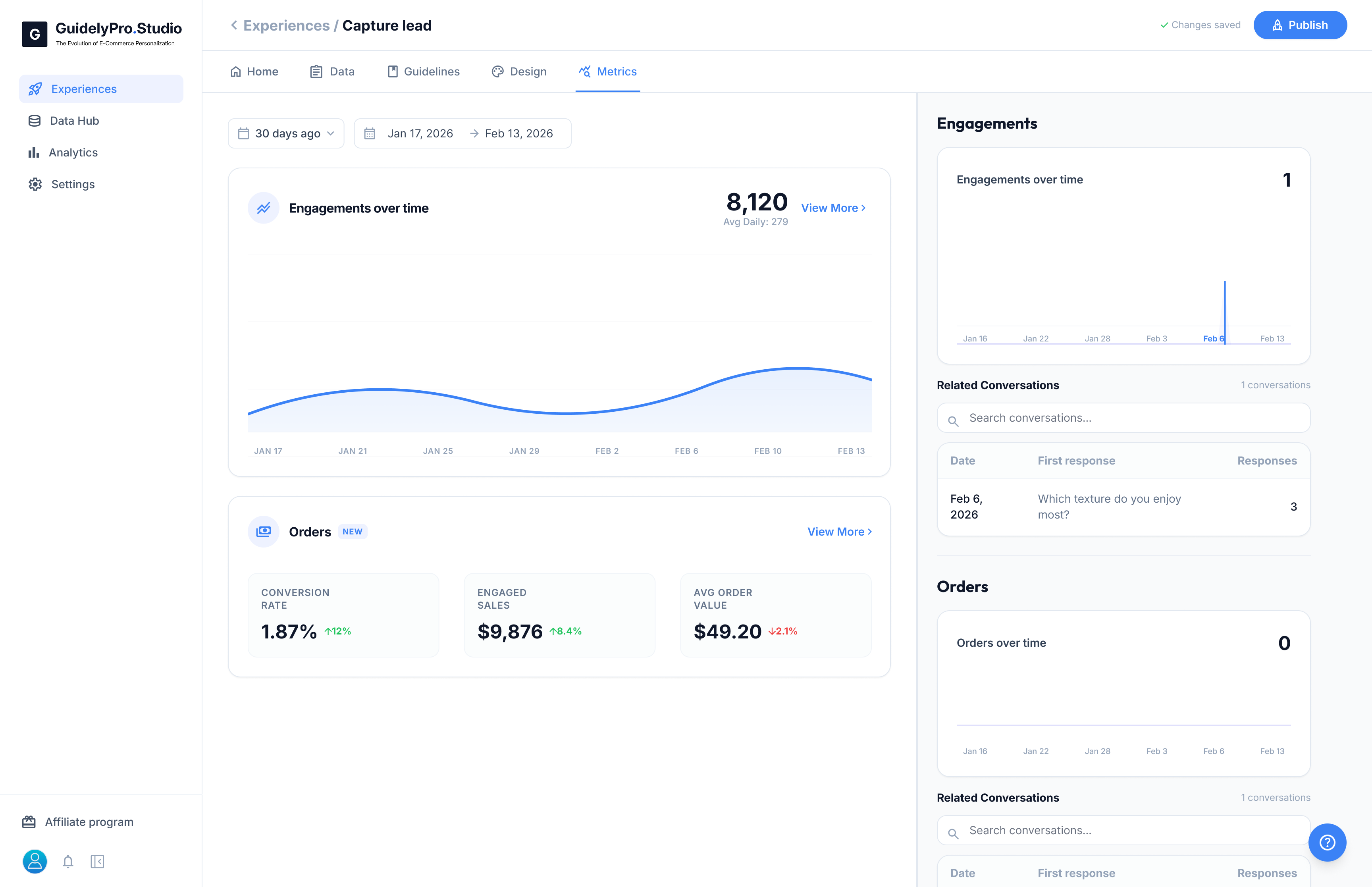
📈 Engagements Over Time
This chart shows how many visitors interacted with your Experience during the selected date range. You can:- Adjust the time filter
- View total engagements
- See average daily interactions
🛒 Orders & Revenue
The Orders section connects engagement to business results. Key metrics include:- Conversion Rate – Percentage of engaged users who completed a purchase
- Engaged Sales – Revenue generated after interaction
- Average Order Value (AOV) – Average purchase value from engaged users
💬 Related Conversations
You can review actual conversations tied to engagements or orders. This allows you to:- Analyze user behavior
- Identify drop-off points
- Improve question flow
- Optimize recommendations
The Metrics tab turns conversations into measurable performance data, helping you continuously improve conversion and revenue impact.